Have you ever wondered how the internet seems to know exactly where you are? You might be sitting in a cozy café in Paris, scrolling through your phone, and suddenly every ad on every website is about French baguettes and local Bordeaux wines. Or worse: you try to catch up on your favorite show from back home, only to be greeted by a digital “Keep Out” sign.
This is all thanks to your IP address. If you want to bypass these digital borders and browse like a local, you need a way to “teleport” yourself back to Norway. Here is the lowdown on how to get a Norwegian IP address, no matter where in the world you actually are.
What Exactly Is an IP Address?
Think of an IP address as the internet’s version of a return address on an envelope. Every time you connect to the web, your device is assigned a unique string of numbers (like 192.168.1.1 or something much more complex).
This address tells websites two very specific things:
- Who you are (digitally): So the server knows where to send the data you requested.
- Where you are (geographically): It reveals your approximate location, often down to the city level.
When you type nrk.no into your browser, NRK looks at your IP address. If your address says “Oslo,” you’re welcomed with open arms. If it says “New York” or “London,” the door is bolted shut. This is where the frustration begins.
Why You Might Need a Norwegian IP Abroad
There are plenty of reasons why you might feel digitally stranded the moment you cross the border. Here are the most common scenarios:
1. The NRK and TV2 Play Crisis
This is the big one. Many travelers run into major hurdles when they are on vacation and want to watch NRK live from abroad. The same goes for TV2 Play. Without a Norwegian IP, you are often blocked from watching sports, news, or Norwegian dramas due to licensing restrictions.
2. The Peppa Pig Emergency (The Netflix Glitch)
Imagine you’ve taken the kids to the States. They are tired, jet-lagged, and just want to watch Peppa Pig on Netflix with Norwegian voices before bed. You open the app, but—disaster!—only the English version is available. Netflix shows you the library for the country you are in. With a Norwegian IP, you “trick” Netflix into thinking you’re back on your sofa in Norway, and just like that, the Norwegian dubbing returns and family peace is restored.
3. Gaming and Regional Servers
For gamers, a Norwegian IP can be vital for accessing specific local servers, reducing “ping” (lag) when playing against friends in Norway, or participating in regional tournaments that are locked to Norwegian residents.
4. Private Networks and Local Content
Some Norwegian newspapers have geo-blocked content, and certain corporate networks or school portals require a Norwegian connection for their security systems to let you through.
The Solution: PureVPN
So, how do you actually change your digital location? The answer is a VPN (Virtual Private Network). Our top recommendation is PureVPN.
In the tech world, longevity equals trust. PureVPN has been around for over 15 years, which is practically ancient in the VPN business. They’ve survived and thrived by being consistently reliable.
Why Choose PureVPN?
- Solid Reputation: With over a decade and a half of experience, they know exactly how to stay one step ahead of streaming blocks.
- Massive Network: They have thousands of servers worldwide, including high-speed options in Norway (Oslo).
- Risk-Free Trial: They offer a 31-day full refund policy. You can literally use it for your entire vacation, and if you aren’t happy, you get your money back.
- Compatible with Everything: They have dedicated apps for Windows, Mac, Android, iOS (iPhone/iPad), and even Smart TVs. If you don’t want to install an app, they have simple browser extensions for Chrome and Firefox.
- Multiple Connections: You can use one account on multiple devices at once. Dad can watch the news on the laptop while the kids watch Peppa Pig on the tablet.
More Than Just TV: Staying Safe on Public Wi-Fi
While most people grab a Norwegian IP to watch TV, you’re also getting a massive security upgrade. This is the “hidden” benefit of a VPN: Encryption.
When you travel, you likely use open Wi-Fi networks at airports, hotels, and cafes. These networks are notoriously insecure. A “sniffer”—a hacker lurking on the same network—can easily intercept your data, see your passwords, or monitor your browsing.
When you connect to PureVPN, all your traffic is sent through a secure “VPN tunnel.” Your data is encrypted and becomes unreadable to anyone else. It’s like sending your internet traffic in an armored car. This is a must-have if you’re checking your bank account or logging into social media while sitting in a foreign hotel lobby.
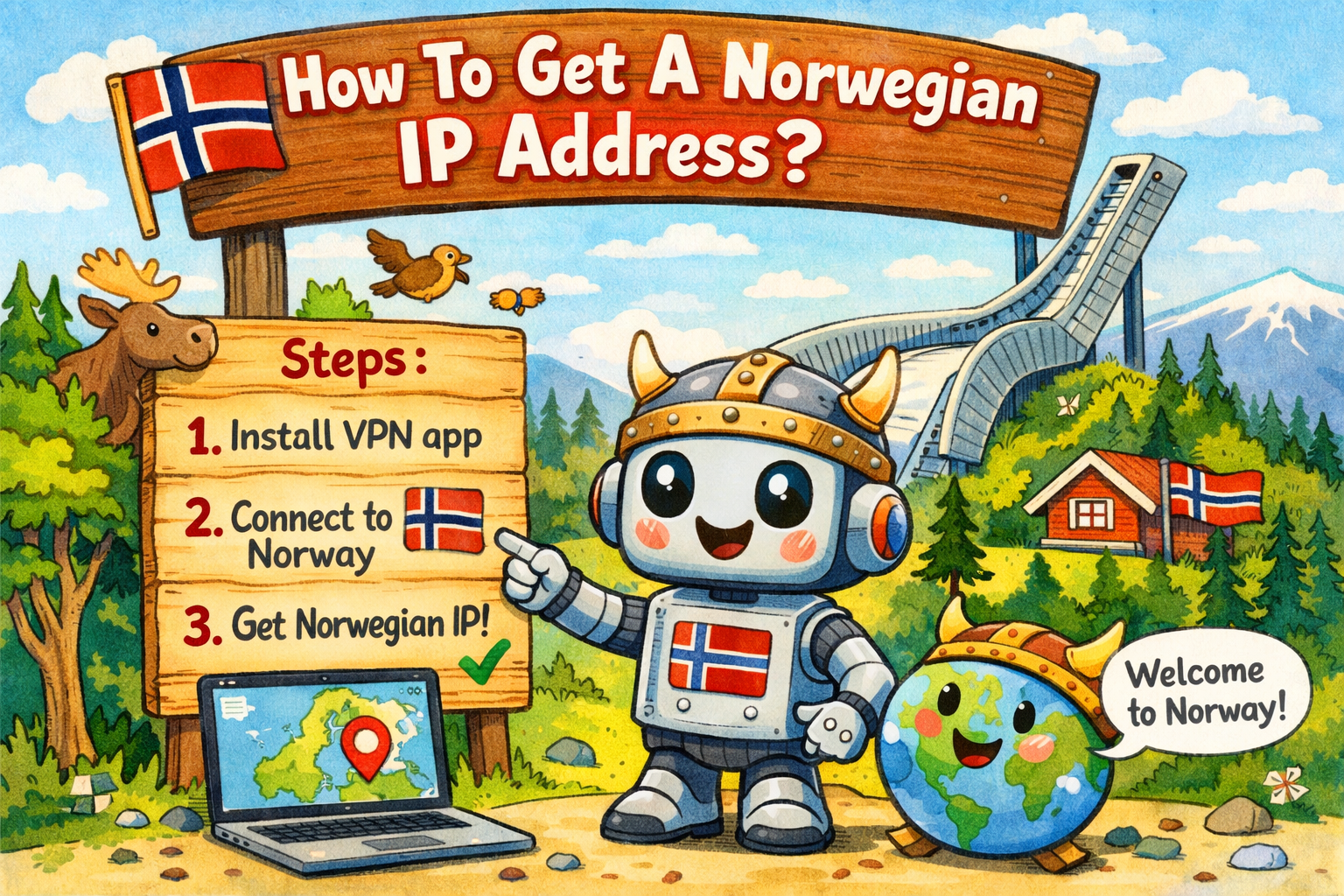
How to Get Started (Step-by-Step)
Setting this up is surprisingly laidback. You don’t need to be a computer whiz to make it happen:
- Head over to the PureVPN website and pick a plan.
- Download the app for your device.
- Log in and search for “Norway” in the server list.
- Hit “Connect.”
- Success! You now have a Norwegian IP address. You can open NRK, Netflix, or your local banking app and be treated like you never left home.
Summary
An IP address is the internet’s way of keeping tabs on you, but it shouldn’t limit your freedom. Whether you’re desperate for Norwegian news, need Peppa Pig in the right language for the kids, or just want to browse securely on sketchy hotel Wi-Fi, a Norwegian IP is the key.
With a service like PureVPN, you get your entertainment back and your privacy secured. It’s a small investment for a much smoother digital life while traveling.
Are you ready to set up your digital “tunnel” back to Norway?


Just installed the HideMyAss program and ordered a one month subscription, and it is wokring superbly. I needed it to get a Norwegian ip address and now I am able to watch NRK online as much as I’d like. Great stuff and thanks for the article!
I personally consider this particular blog post really pleasurable and also the blog post was a superb read. Thanks a lot-Letha
tanks, but i’d like a free option